FiveM development. Step by step.
From an AI task to the right editor.
Describe the asset you need in AI chat or open a tool directly on VelonLabs.app. In the editor, review the model, layers and settings before exporting.
What you can do
Start with a template, supported upload or prompt. Save the result as a session so you can continue editing later.
Explore editors and guides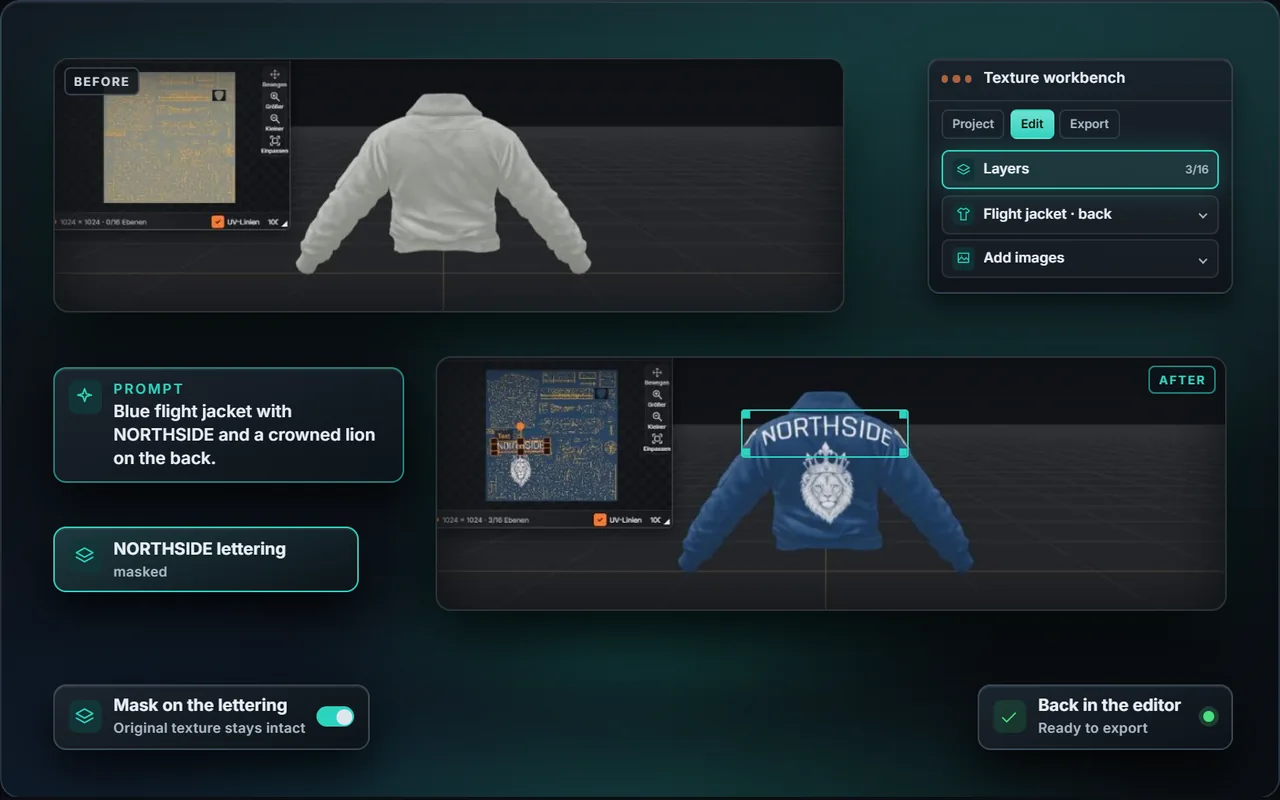
Describe a concrete result
Name the asset, its use in game and the intended output. For a livery, specify the vehicle, colors, lettering and which sides need work.
Inspect the model and texture
Open the project in its editor. Review templates, materials and the result from multiple angles. The Texture Workbench combines layers, a template and a 3D preview for supported models.
Prepare an export for your test server
Review the available output and displayed costs. VelonLabs Control can transfer supported saved resources to a connected FiveM server.
For your next task
Example vehicle livery brief
Create a dark blue livery for this vehicle with a silver side stripe and legible lettering. I want to check both sides in the editor.
Check before moving on
- Check the template or input file
- Open the result in the appropriate editor
- Verify the export on a test server
EXAMPLE TEMPLATES
Seven templates, straight from the editor.
Real example templates from the Vehicle & Livery Editor. You design the livery, lettering and colours yourself, with your server name.

SheriffPolice 
City CabTaxi 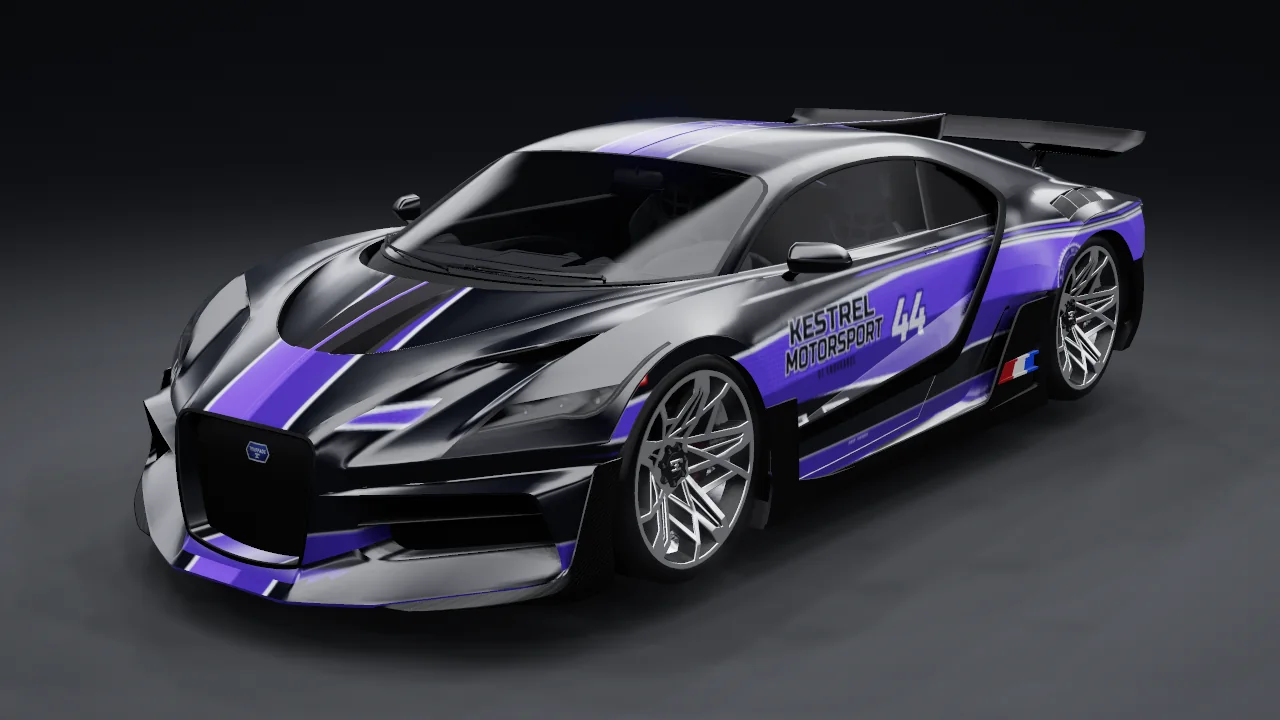
Kestrel MotorsportRace team 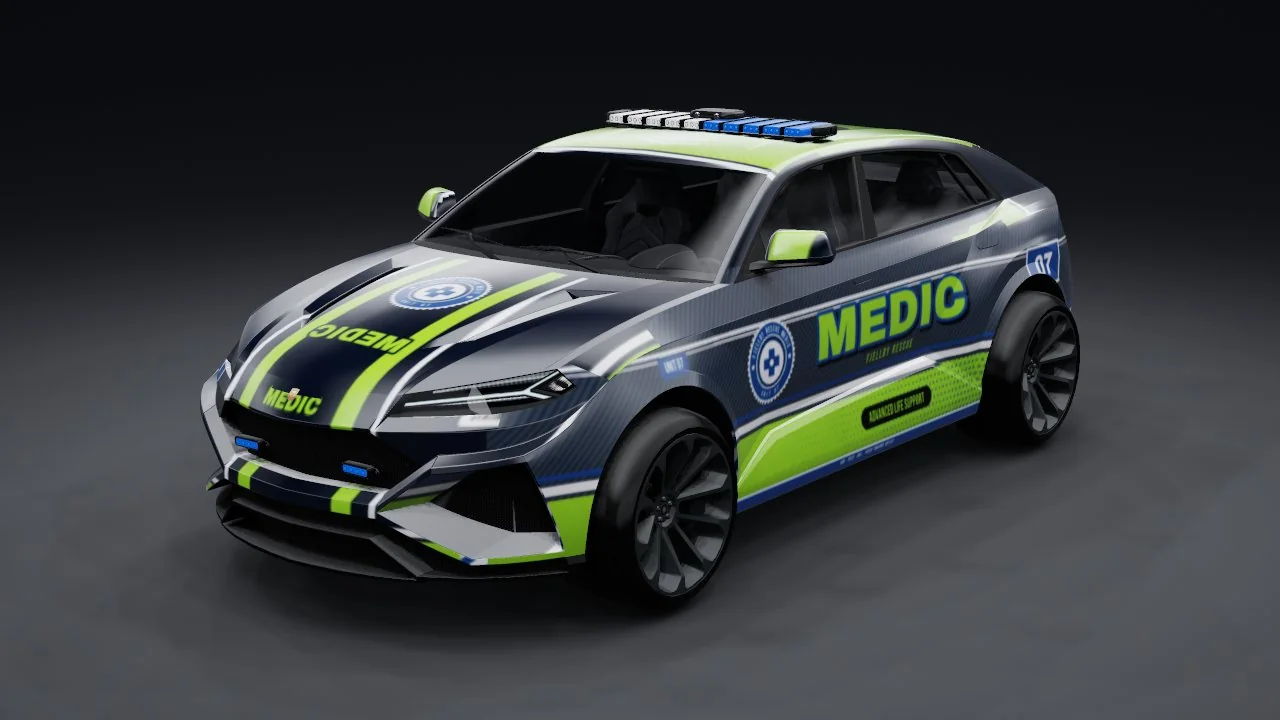
Fjellby Rescue 07Paramedic 
Korso TowingTowing service 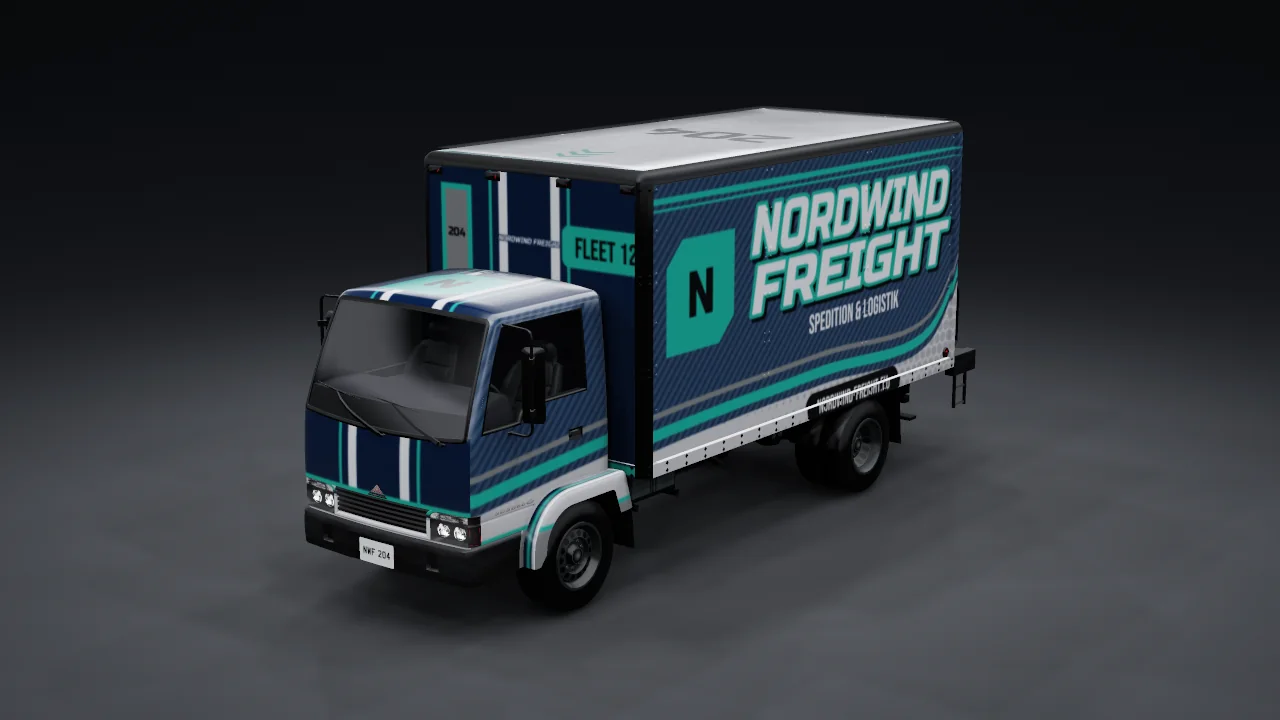
Nordwind FreightFreight company 
Velon TransitCity line
Scope and limitations
Features, formats and costs depend on the editor, model and plan. The browser preview shows the asset; use FiveM to check it in game.
Current plans and conditions →Common questions
Can I start in an editor?
Yes. Open the tool directly and use its available templates, uploads or assistant.
Your project. Your next step.
Describe your idea or upload an existing resource. Continue working on the source code and test the result on your server.
Open AI chat →