VelonLabs

Skip to content

Your ideas. Your servers. Our AI.

What should we
build for FiveM?

Create and edit FiveM scripts with AI for ESX, QBCore and Qbox. Upload Lua resources, debug code, edit configurations and preview your NUI.

FreeFree registration4frameworks. Your workflow.
Built for creatorsFrom your idea to your own script.
Less routineAI helps with code and debugging.
Your server. Your code.Download the source and keep building.
An open communityShare ideas. Build together.

From the editors

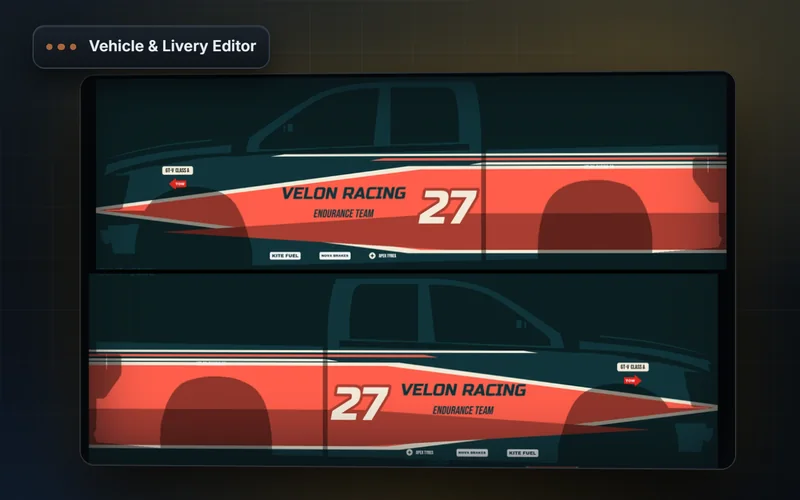
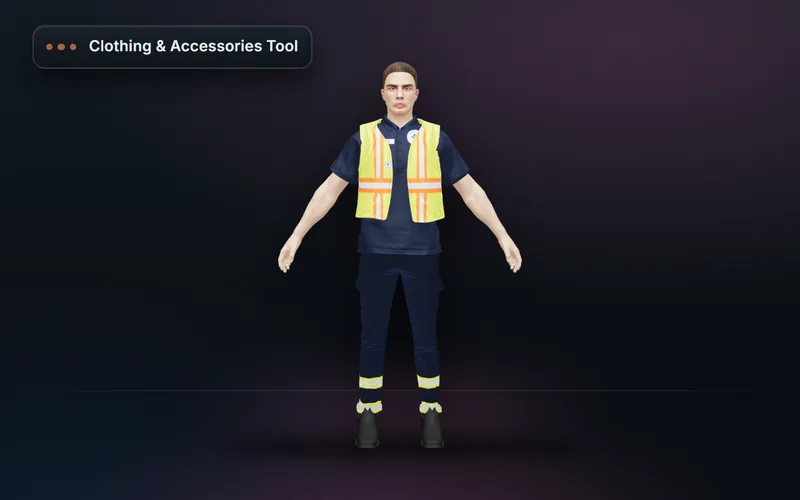
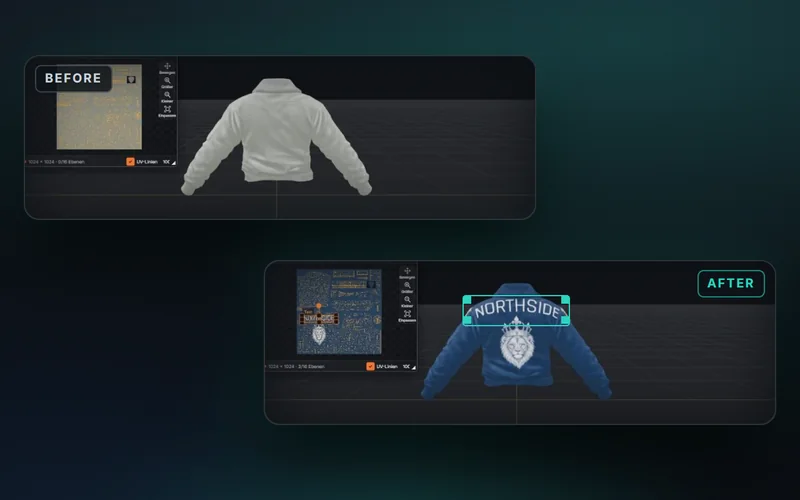
You make this yourself. With your name, in your colours.

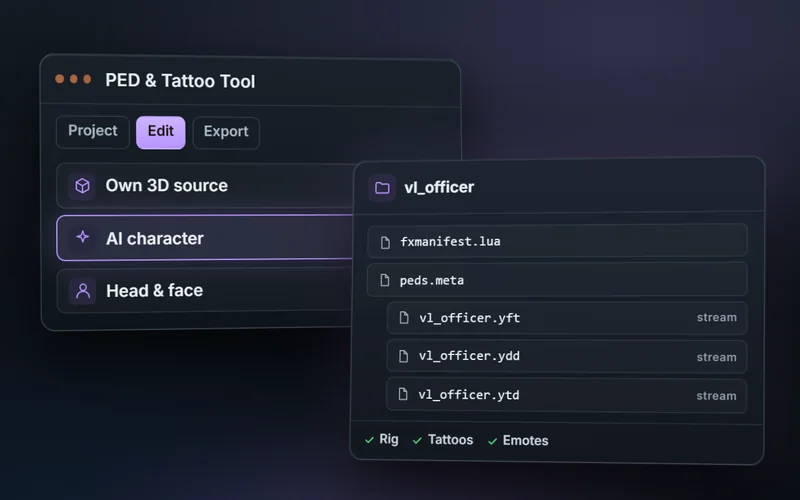
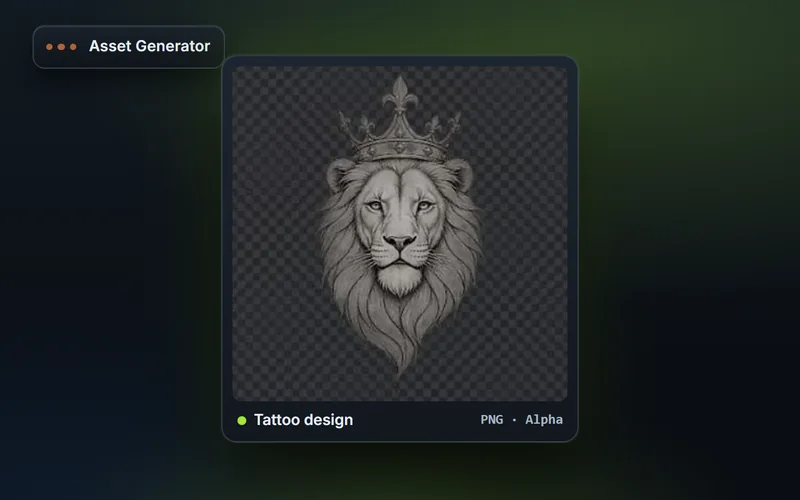
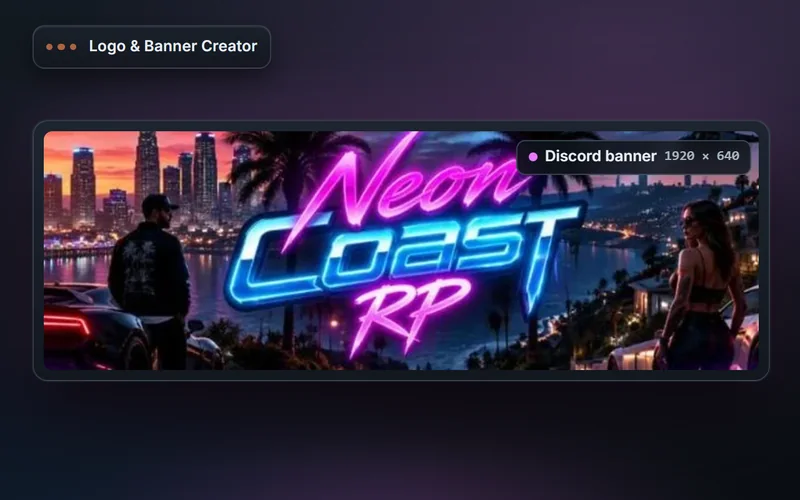
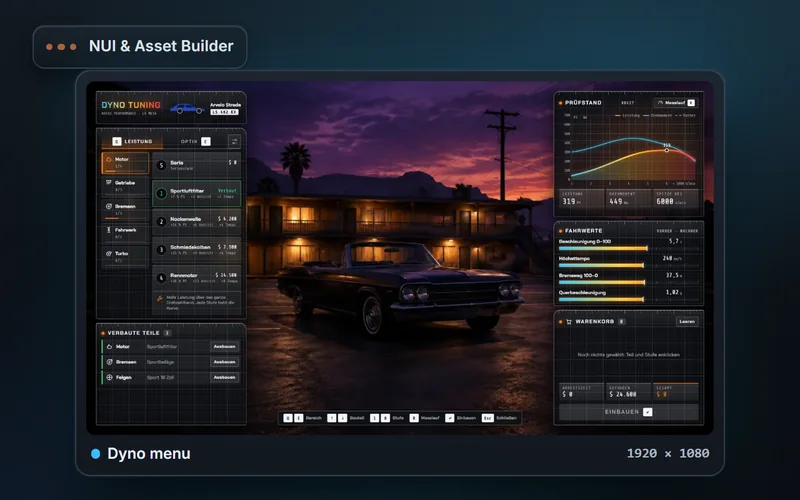
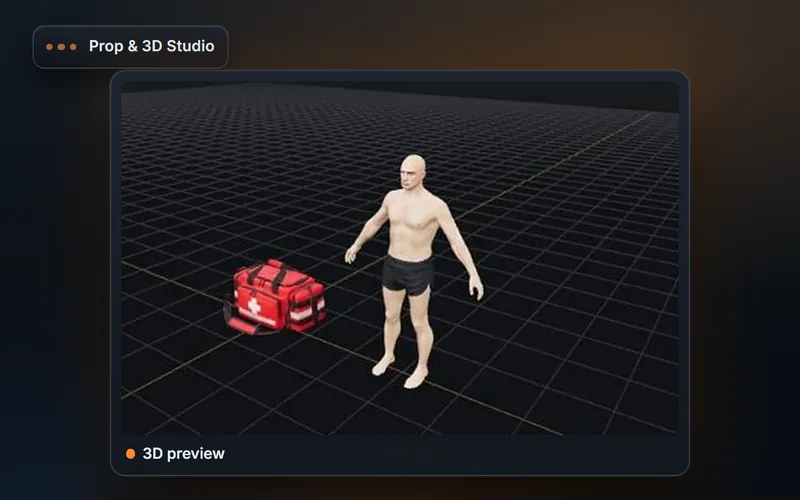
Real results from the tools: game menus from the NUI Builder to try out, seven example templates from the Vehicle & Livery Editor to rotate and a logo pack from the Logo & Banner Creator. In AI chat you start each of these tools with one sentence.

Everything you need

Powerful tools. For real FiveM creators.

AI, development tools and FiveM knowledge in one platform — for server creators, developers and teams.

All features

Your code. Your team. Your server.

Connect what moves your project forward. From your repository and your team to reviewed changes on your server.

Your repository. Right here.

Connect GitHub directly

Build on the code you already have. Connect GitHub, select your repository and work with AI in the context of your project.

  • Select your own repositories
  • Review changes as a diff
  • Separate branch and pull request
Explore GitHub integration

One project. Your team.

Bring your team on board

Bring the right people into your workspace. Share files and chats, assign the right roles and work together on the same project.

  • Invite project members
  • Assign Viewer and Editor roles
  • Share workspaces and repositories
Explore collaboration

From your idea to your server.

Connect Linux & Windows

Connect your FiveM server directly over SSH. Edit code in your workspace, then send reviewed changes back to your server.

  • Linux or Windows with OpenSSH
  • Review file changes before syncing
  • Backups and deployment rollback
Explore server connections

VELONLABS.APP

Editors and tools for your project.

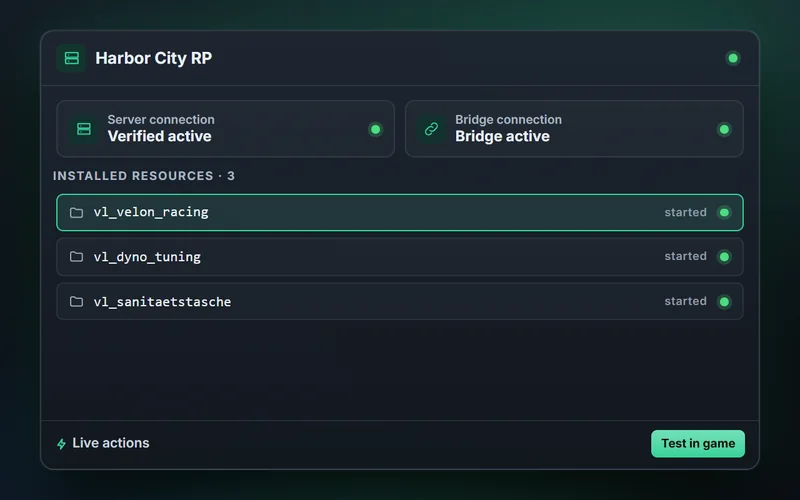
Design assets and test resources on your FiveM server.

All editor guides

Here is how it works

From your idea to your script.

In a few steps — with AI and a workflow made for FiveM.

IDEAS
INTO REALITY.
  1. 1
    Describe your idea

    Tell the AI what you want to build.

  2. 2
    AI generates

    Get editable source files.

  3. 3
    Adjust & test

    Use the editor, preview and test server.

  4. 4
    Onto your server

    Export or sync reviewed changes.

Your account. Your plan.

For creators. Clear and transparent.

Register for free. Choose credit packs or a plan to suit your project.

View all plan details

Starter

For getting started

€24.99/month

Billed monthly

  • 2,500 credits / month
  • AI chat & uploads
  • Personal knowledge
  • Editors & project workflow
  • Join team workspaces
  • Transfer credits to team workspaces
View plan

Plus

For active creators

€54.99/month

Billed monthly

  • 6,000 credits / month
  • AI chat & uploads
  • Personal knowledge
  • Editors & project workflow
  • Join team workspaces
  • Transfer credits to team workspaces
  • Invite members
View plan

Max

For bigger projects

€129.99/month

Billed monthly

  • 15,000 credits / month
  • AI chat & uploads
  • Personal knowledge
  • Editors & project workflow
  • Join team workspaces
  • Transfer credits to team workspaces
  • Invite members
View plan

Final prices include VAT where applicable. Credits and features as shown in the plan comparison.

Which frameworks does VelonLabs support?

ESX, QBCore, Qbox and Standalone. Include the version and existing dependencies in your request.

Can I upload my own scripts?

Yes. Upload a ZIP resource or supported individual files in AI chat and describe your changes.

Can I use generated scripts directly?

You receive real source code. Verify framework integration, database access, permissions and in-game behaviour on your test server before release.

How does billing work?

AI requests use credits. Registration is free; your available balance is shown in your account. See Credits & plans for credit packs, subscriptions and current usage limits.

What does the NUI preview show?

HTML interfaces and supported interactions run in an isolated browser preview. It complements your test server; it does not replace in-game testing.

Ready for more?

Build tomorrow’s servers today.

Your next idea is waiting. Make it your own.

Start for freeFree registration. No subscription needed for your account.